
Key insights & overview
See the main ideas before you decide what deserves a closer read.
 ReadTheTalk
Full transcripts, chapter summaries, and translations — on the original page, so you can jump back to the exact moment that matters.

Watch & listen
 YouTube
 Apple Podcasts
 Simplecast
 BilibiliReadTheTalk
Read & understand
Coming soon: Spotify, TED, and more talk, interview, and education pages.
See the main ideas before you decide what deserves a closer read.

Find the topic you need and jump to the relevant part of the conversation.
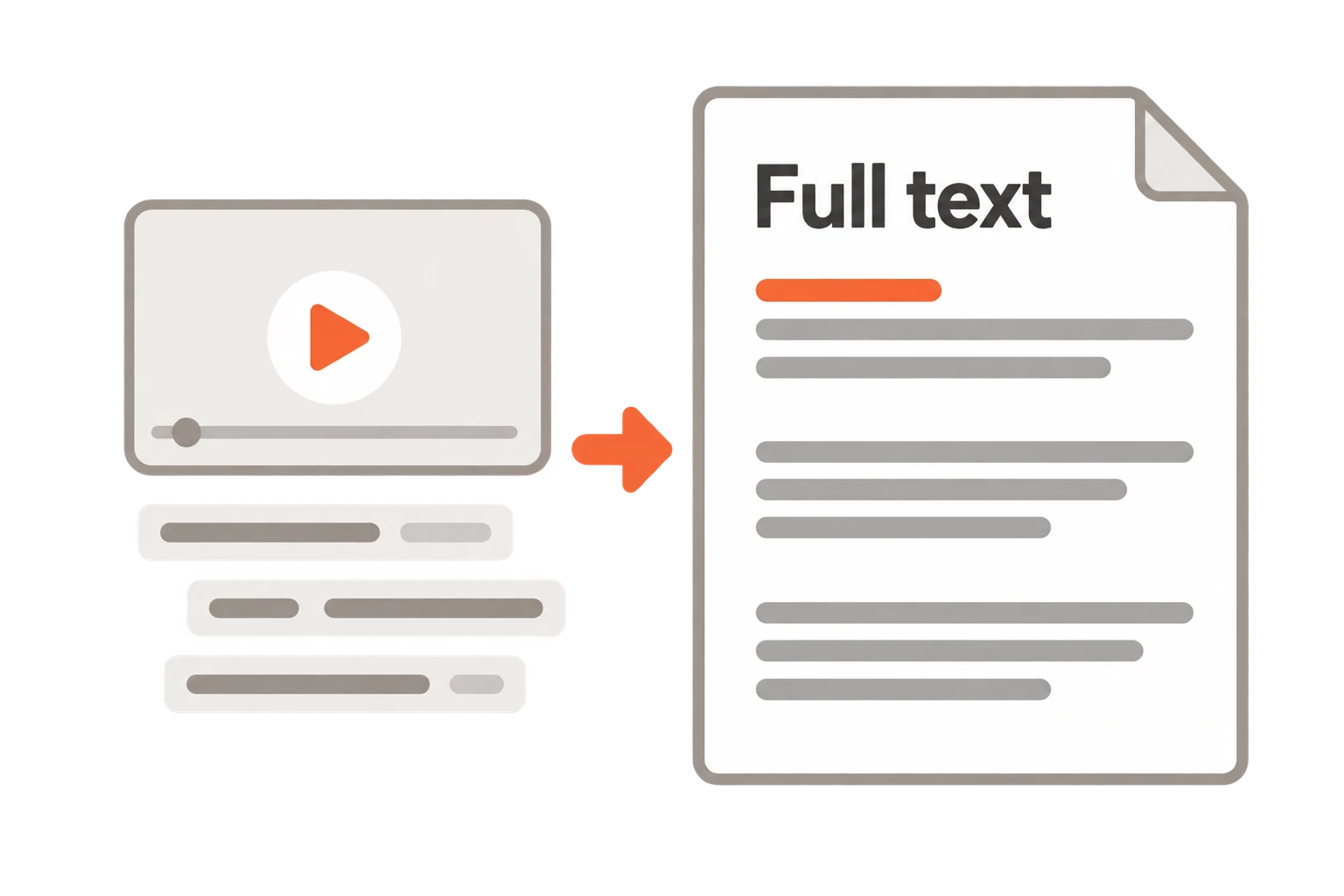
Read organized paragraphs instead of following fragmented subtitles.
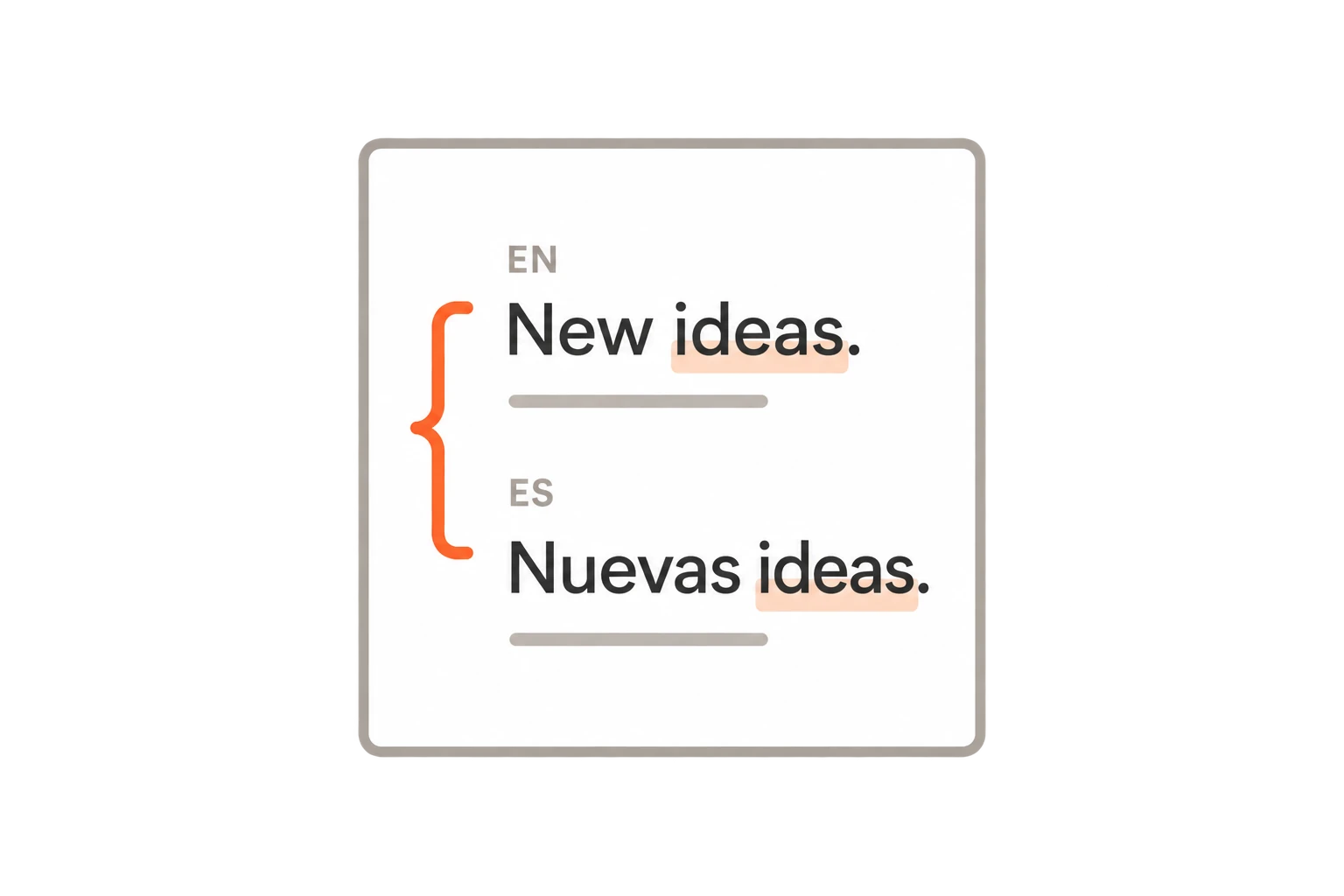
Keep the original and translation together as you read.
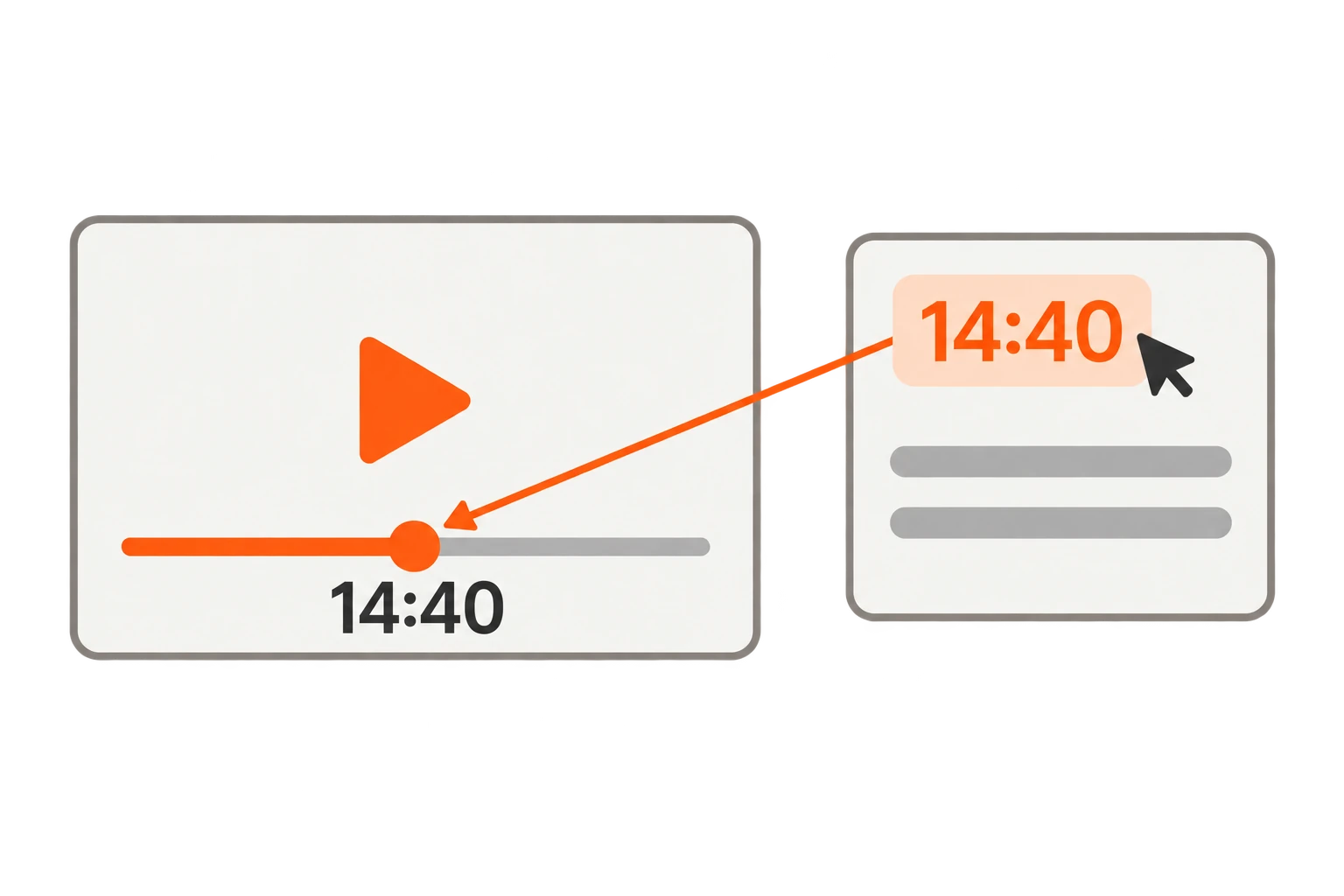
Click a timestamp to hear that moment in the original player.
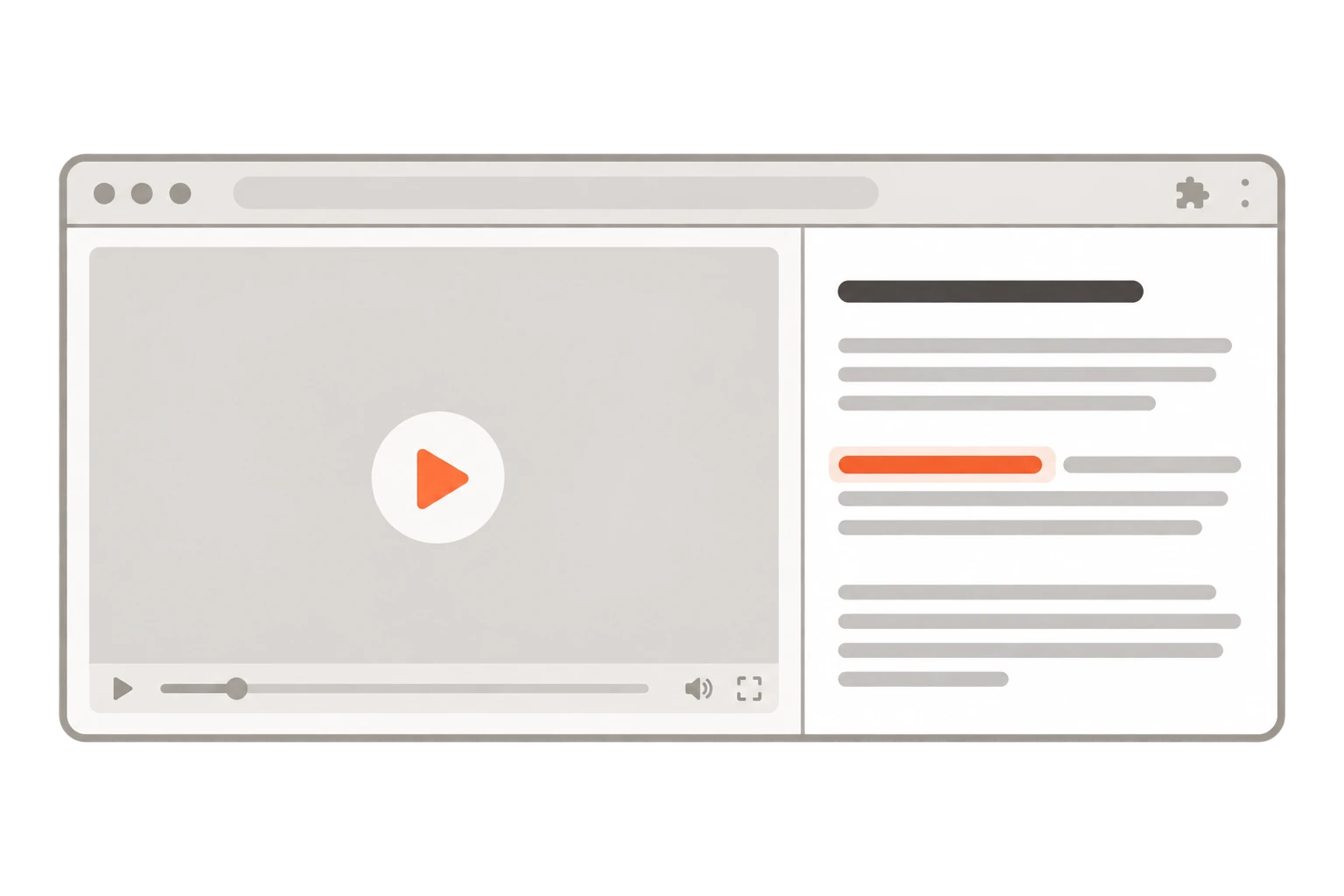
Keep the video or podcast in view while you explore the text.
Read lectures at your own pace and revisit the parts you want to understand better.
Find relevant ideas in interviews and podcasts, then read the reasoning behind them.
Explore source material and check the full context before quoting an idea.
Read two languages side by side and listen again to hear how a phrase is used.
Public installation and paid subscriptions are not open yet.
Read what’s already in the public library.
Recommended
Process the episodes you choose.
Monthly subscription. Renews until cancelled. Cancellation & refunds.
Not yet. Public installation and paid subscriptions are not open. ReadTheTalk is for Google Chrome on desktop, with Google sign-in.
A transcript follows the spoken words and provides timestamps where available. Readable text organizes that material into connected paragraphs so it is easier to follow the discussion.
ReadTheTalk connects to supported pages on YouTube, Apple Podcasts, Simplecast-hosted podcasts, and Bilibili. Spotify, TED, and other talk, interview, and education pages are in progress. Reading, translation, and playback features depend on the page and its transcript or audio.
On YouTube, ReadTheTalk reads the platform’s own caption tracks, so videos with captions disabled are not supported. On other supported pages, when no complete transcript exists, ReadTheTalk can take the full audio in your browser and transcribe it — up to the transcription hours included in Pro.
ReadTheTalk uses the source page, its transcript, and audio where transcription is needed to create your reading material. YouTube processing uses caption tracks, not audio downloads. We do not use advertising trackers or sell your data. See the privacy policy for data handling and retention.
Free includes already-processed public content and your own previously generated results. It does not process new content or create missing translations. Pro lets you process the videos and podcasts you choose.
Pro can process 30 hours of source video or audio per subscription month. Up to 10 of those hours can use audio transcription when a complete transcript is unavailable. For example, a 1-hour video with subtitles uses 1 processing hour; without subtitles, it also uses 1 transcription hour. Reading an existing result uses no hours.
New processing stops when the required allowance is used up. Hours reset each subscription month and do not roll over. When your subscription ends, your account returns to Free and your previously generated content remains readable.
Pro includes one target language per processing pass, for both the overview and full text.
Yes. Names, numbers, and specialized terms can be misinterpreted. Use the original video or audio to check important details.
Allowance used by failed processing is returned as processing hours, separately from subscription payment refunds. If a result is missing or incomplete, contact support@readthetalk.com. See refunds and processing failures.
You can request a full refund of your first Pro payment within 7 days of the charge if the total source duration of content you have successfully processed is less than 60 minutes. Renewals, requests after 7 days, and usage of 60 minutes or more are not refundable, except for duplicate charges, billing errors, or refunds required by law. See the refund policy.
Email support@readthetalk.com. We usually reply to general enquiries within 1–2 business days. Refund requests are reviewed and answered within 3–5 business days.